


Attack Shark
The test will run for 10 seconds.
* Ensure you press keys quickly. Holding a key down does not trigger polling detection.
How to Use
Click START TEST to initialize the 10-second timer and polling detector.
Immediately begin pressing two keys (e.g., A and S) as rapidly and alternatingly as possible.
Maintain the rhythm until the timer hits zero. Do not hold keys down, as this stops polling events.
Understanding the Results
- Max Rate: The highest report frequency detected. 1000Hz = 1ms delay.
- Stability: Indicates how consistent the data transmission is. "Good" is ideal for gaming.
- 125Hz vs 1000Hz: Standard office keyboards are locked at 125Hz. Gaming keyboards range from 1000Hz to 8000Hz.
- Browser Limits: Some browsers may cap rates. If you see consistent ~1000Hz, your device is performing well.
Frequently Asked Questions
Keyboard polling rate results are estimates
This web tool can only estimate polling rate from browser keyboard events. Browser limits, system scheduling, page focus, keyboard firmware, and input repeat behavior may affect the displayed result.
Use the result as a reference only.
Collection en vedette
Articles de blog
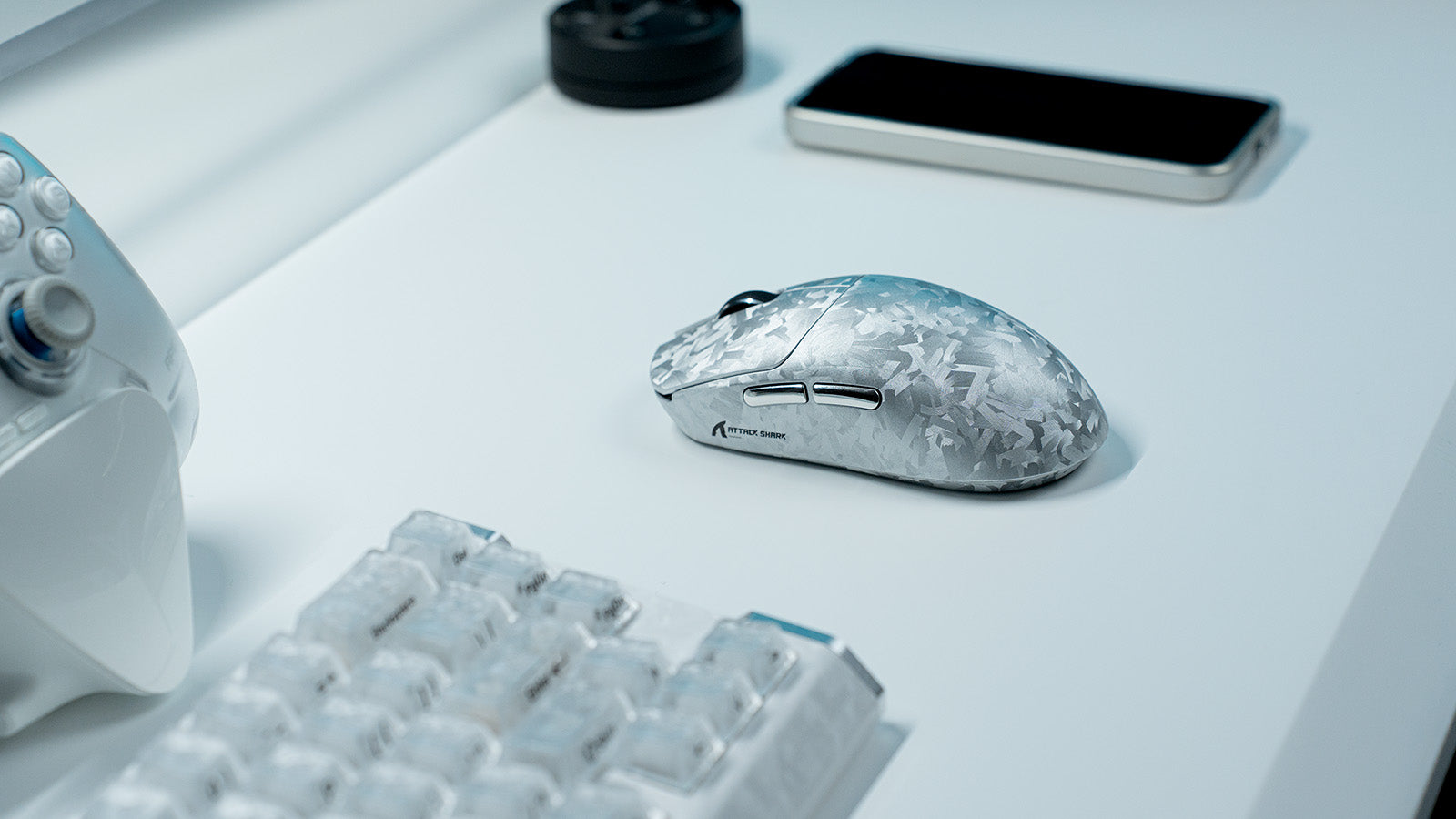
La meilleure configuration de périphériques pour les joueurs de MOBA (League of Legends et Dota 2)
Des conseils pratiques d'installation couvrent les boutons de souris MMO, les réglages de souris pour jeux MMO, les claviers à déclenchement rapide, les macros clavier MMO et la conscience de la ca...
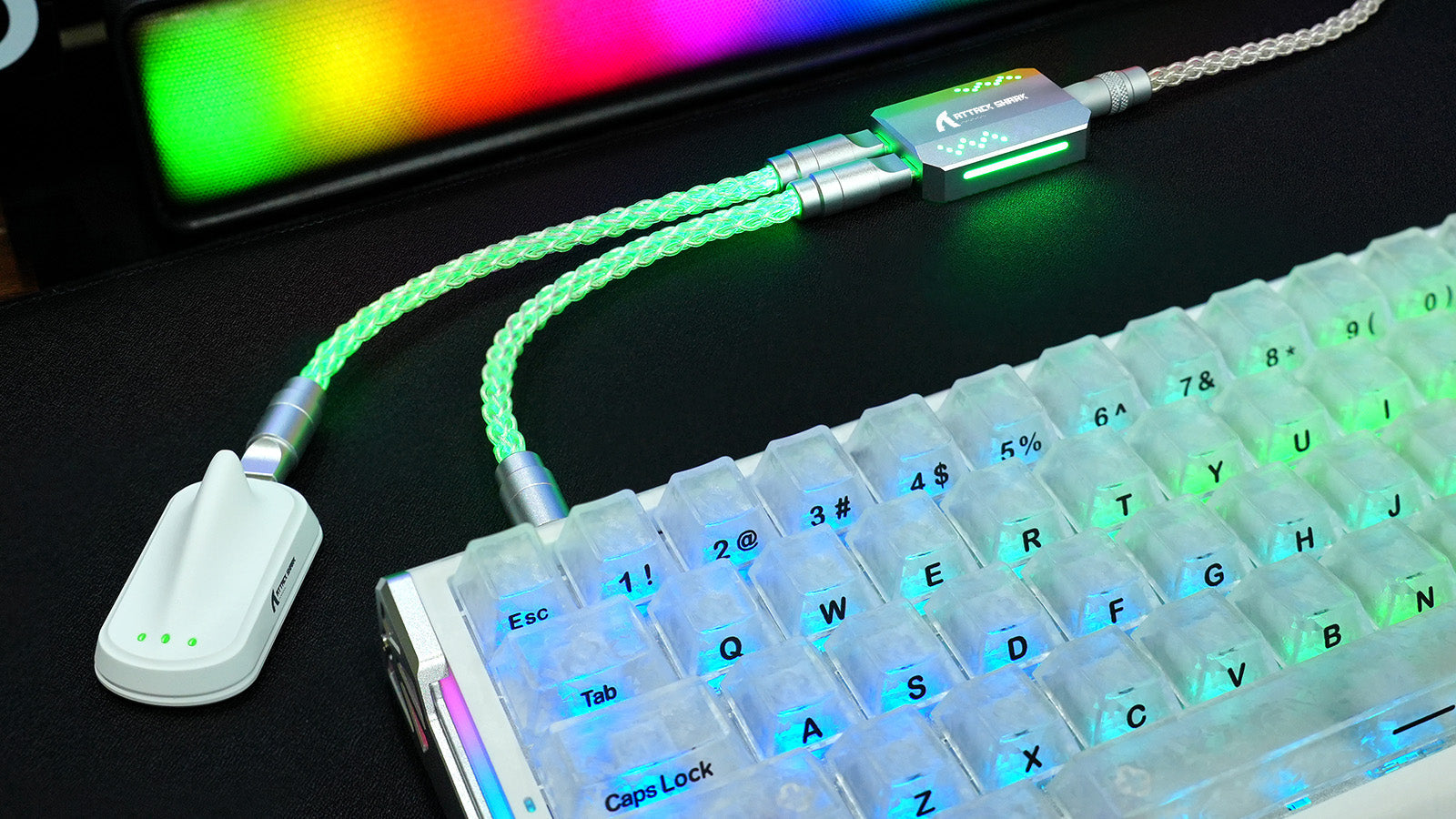
Les câbles de clavier Coiled sont-ils seulement esthétiques ?
Découvrez cinq avantages des câbles de clavier enroulés : une gestion des câbles plus propre, un échange d’appareils facilité, une durabilité accrue, un style personnalisé et un bureau mieux organisé.
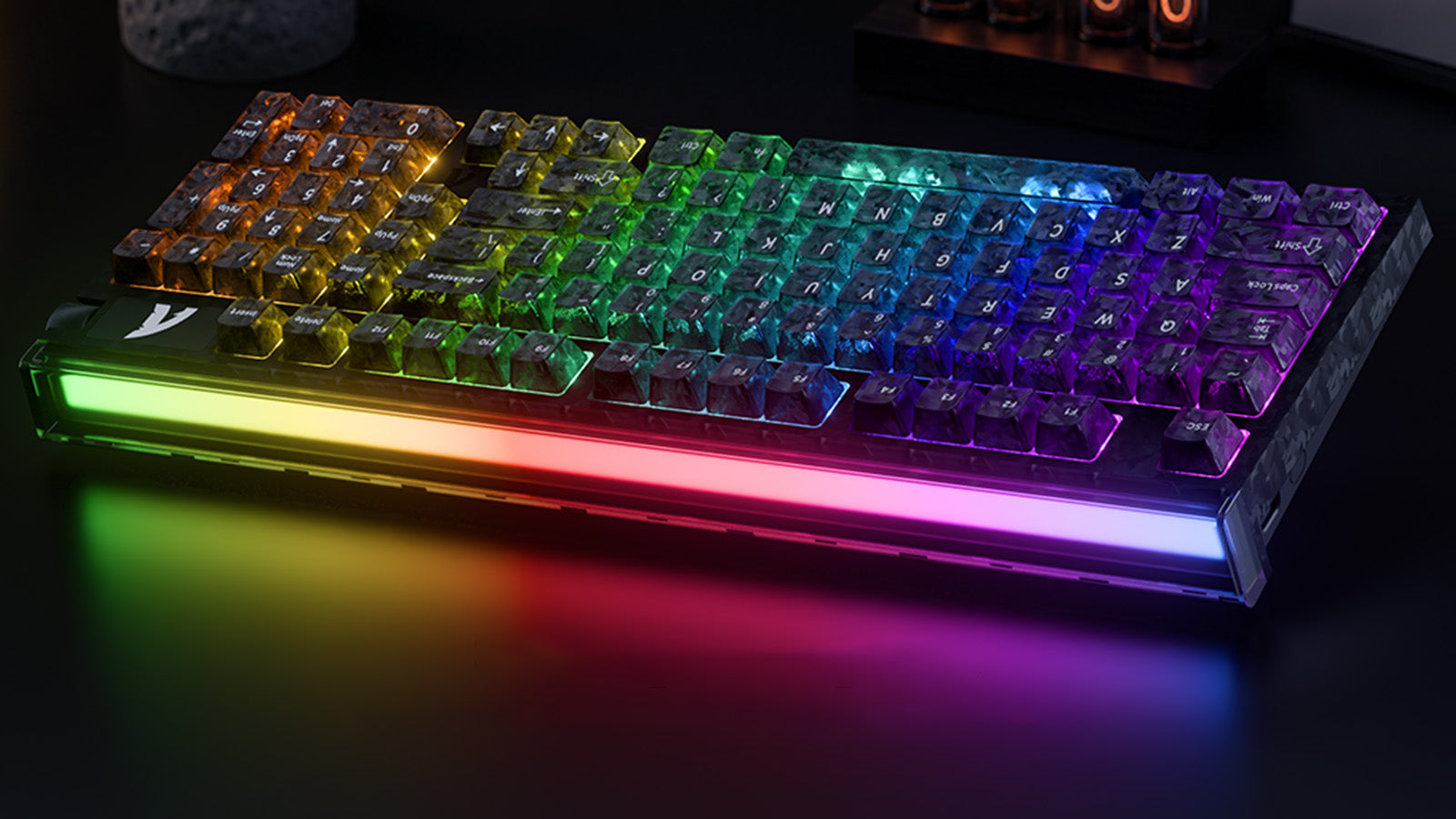
Le taux de balayage du clavier est-il vraiment important pour le gaming ?
Le balayage professionnel 256K, le sondage à 8000Hz, les capteurs à effet Hall et le réglage Rapid Trigger à 0,005 mm contribuent à réduire le délai de saisie au clavier.